For coaches

Spend less time recreating feedback.

One workflow keeps session capture, analysis, notes, sharing, and next steps together.

Built for coaches

Start free

The challenge

Coaches juggle clips, notes, rosters, parent questions, and follow-up across too many tools.

One workflow keeps session capture, analysis, notes, sharing, and next steps together.

How Dynamos works for coaches

  1. Upload or record the session.
  2. Review and edit the AI-assisted draft.
  3. Share the version that reflects your coaching judgment.
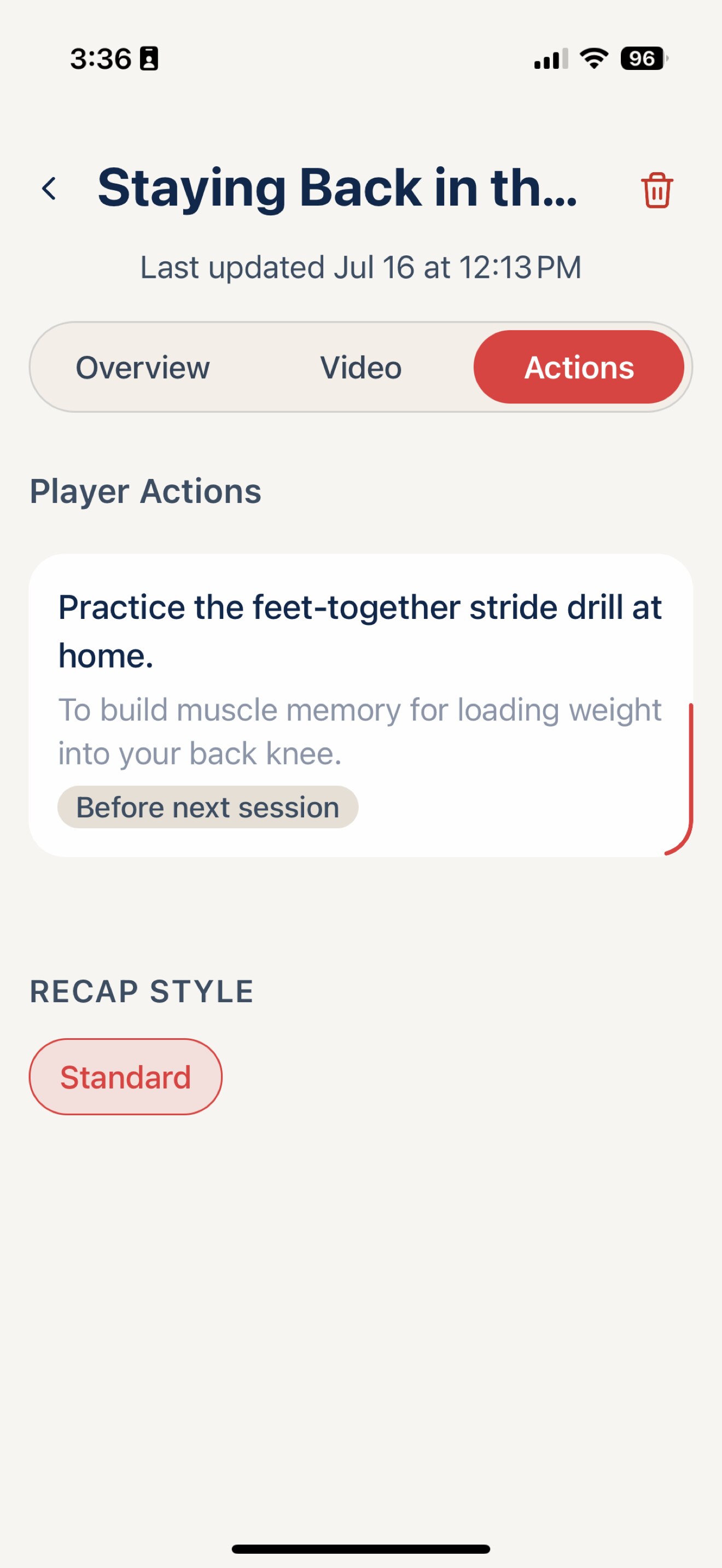
Dynamos screen for coaches
Read the full coaches guide

Privacy comes first

Uploaded media stays private unless someone deliberately shares it, and athlete accounts are not available to children under 13. Read our Trust & Safety commitments.

Dynamos for everyone at the table

See Dynamos in motion

From a session clip to a next step.

Start in the mobile app, then move to the web app when you need the fuller picture of capture, analysis, progress, and follow-through.

Read the video description

The 35-second walkthrough opens with three mobile app screens, then moves into the web app dashboard, upload and analysis flow, results, progress, and drills before closing with a Dynamos call to action. The video uses on-screen labels and background music; no spoken narration is required.

35-second product walkthrough · captions are built into the on-screen interface labels

Talk to Dynamos

Make the next session better.

Questions about a coaching workflow, academy rollout, or getting started? Leave a note and we will meet you there.

Contact us